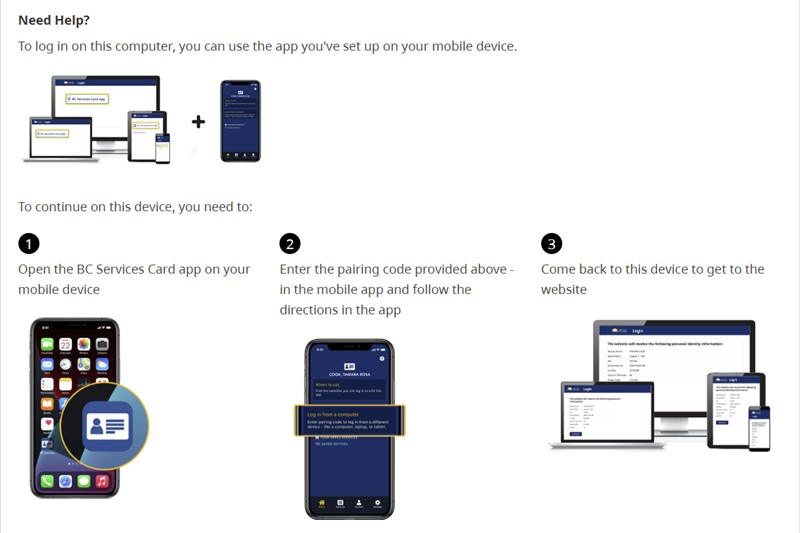
How to log in to your CRA account using the BC Services Card app
Download the BC Services Card App.
Click here to download for Apple
Click here to download for Android
Register using your SIN and the required information.
Wait for the app to verify your identity. This takes between 30 minutes and 1 business day.
Once you have the app verification, go to the CRA website:
https://www.canada.ca/en/revenue-agency/services/e-services/cra-login-services.html
Click “Provincial partner (BC, AB)”
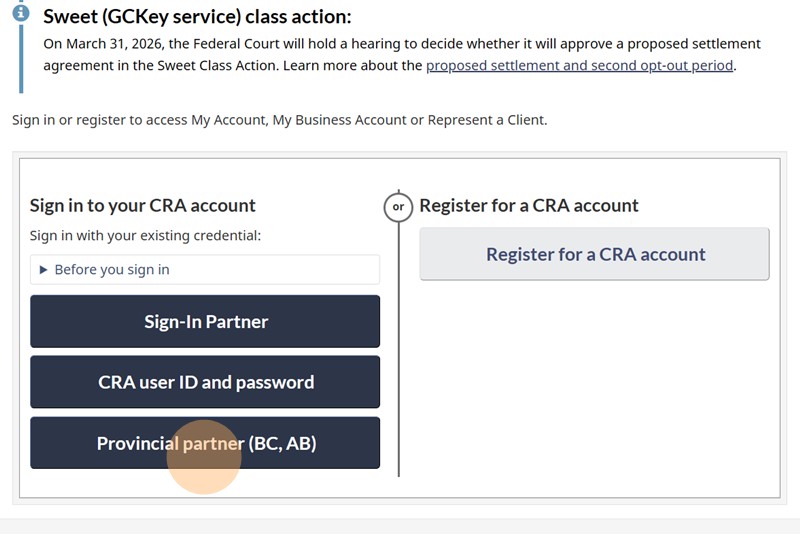
Click “BC Services Card”

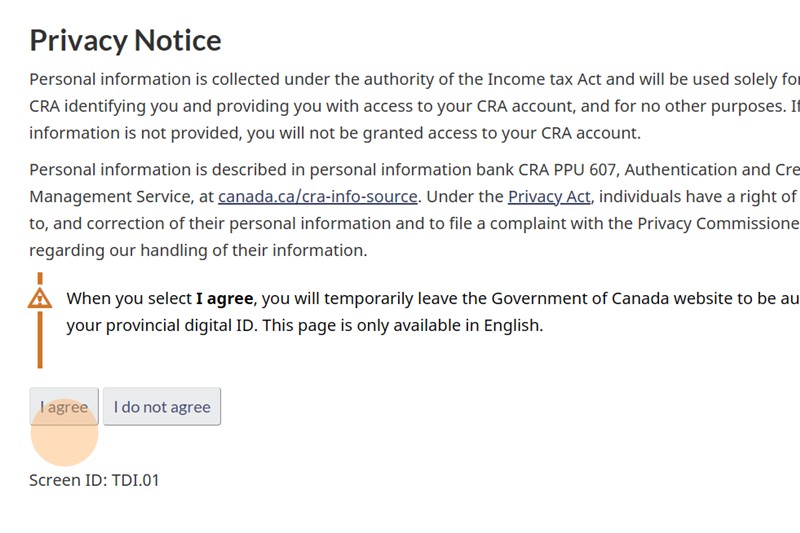
Click “I agree” button
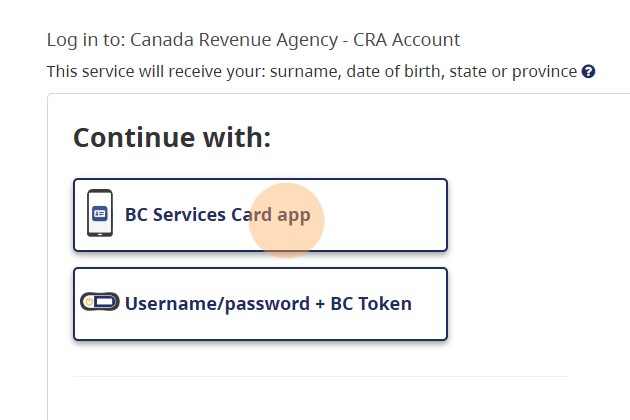
Click “BC Services Card app”
Open the Services Card app, enter the code shown on the website, and you’re all set!