
How to register for a CRA account online
Navigate to https://www.canada.ca/en/revenue-agency.html
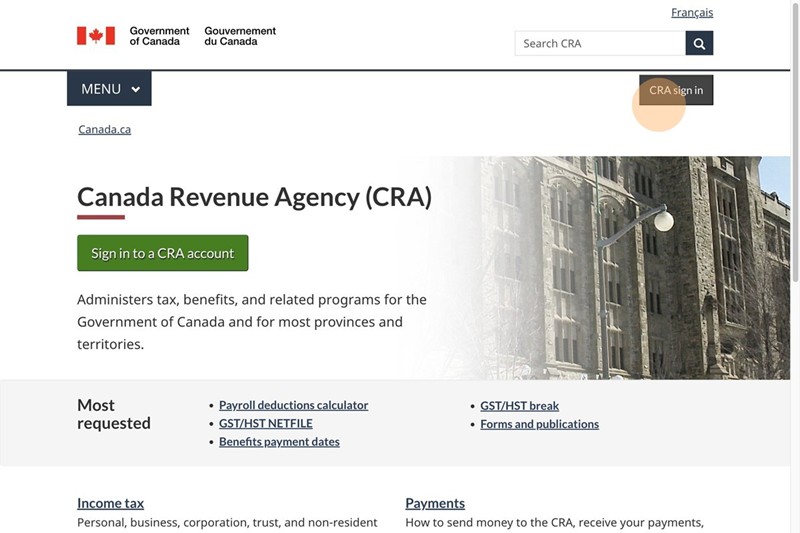
Click “CRA sign in”
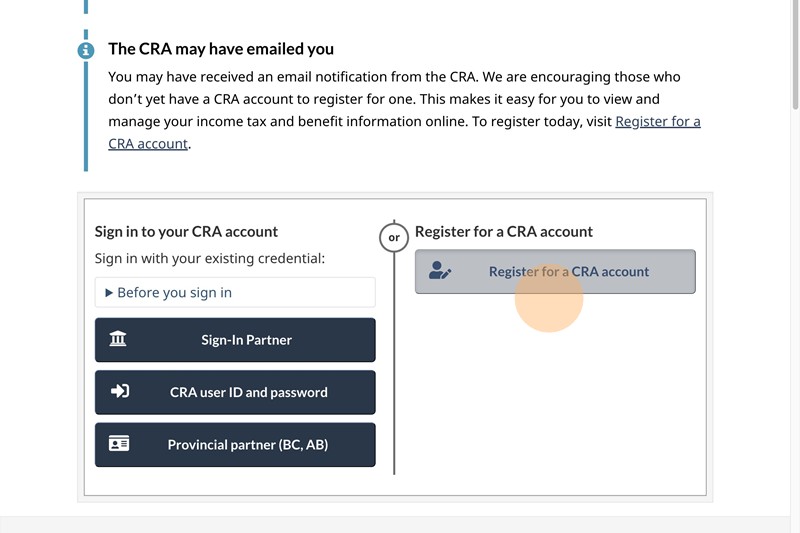
Click “Register for a CRA account”
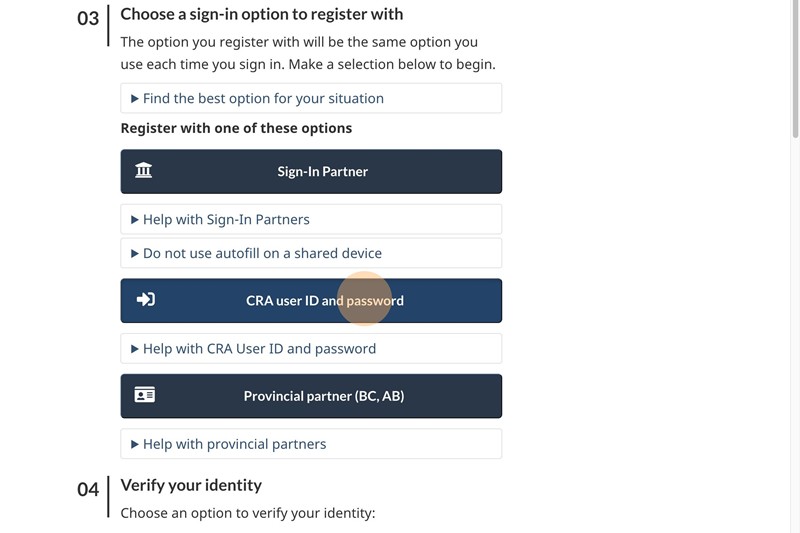
Click “CRA user ID and password: Registration”
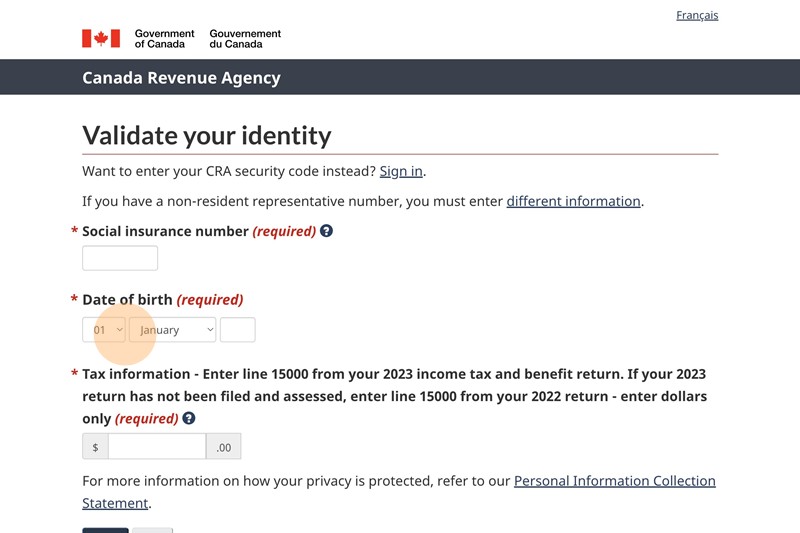
Click the “Social insurance number” box and enter your information
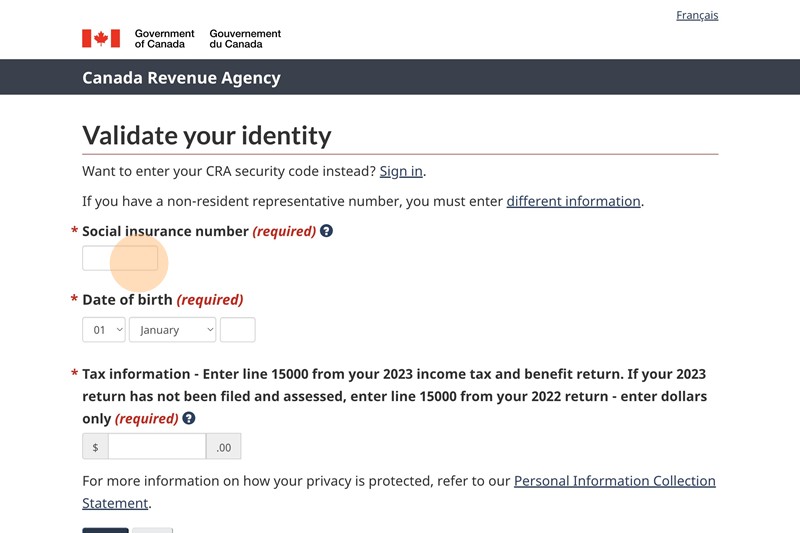
Click the “Date of Birth” box and enter your day, month and year of birth
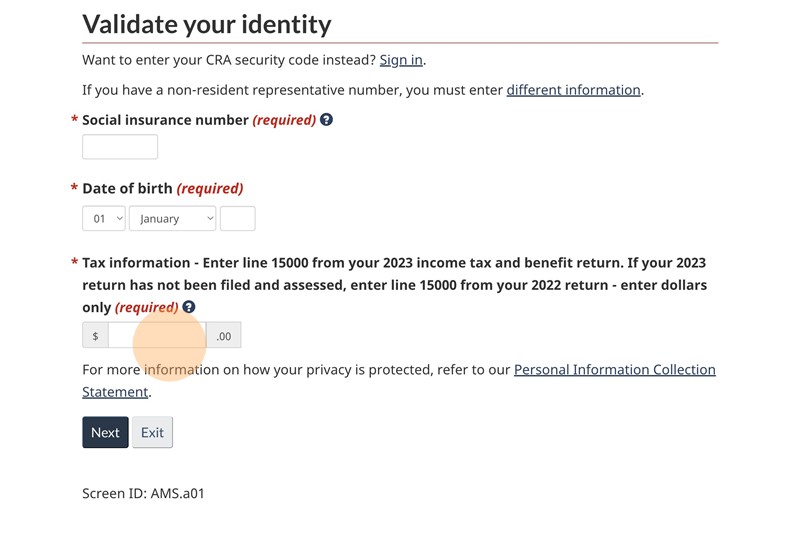
Click the “Tax information – Enter line 15000 from your 2023 income tax and benefit return. If your 2023 return has not been filed and assessed, enter line 15000 from your 2022 return – enter dollars only” This information you will find it in the Client copy that we sent to you after filing your taxes
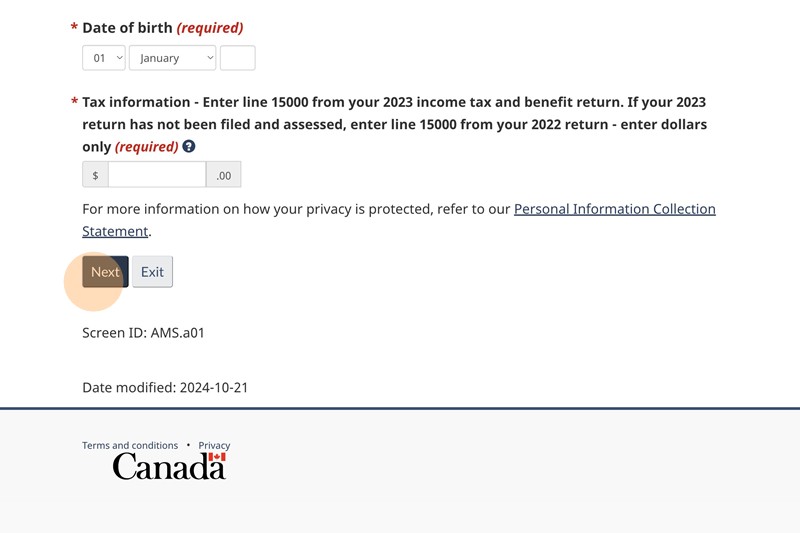
Click “Next” button.
You will be receiving a physical letter to your address in a approximately 2 weeks.
Follow the instructions of the letter.